
Giving AI agents access to more tools raises important questions. Which tools can they use? How are those tools managed? And who has permission to configure and use AI capabilities?
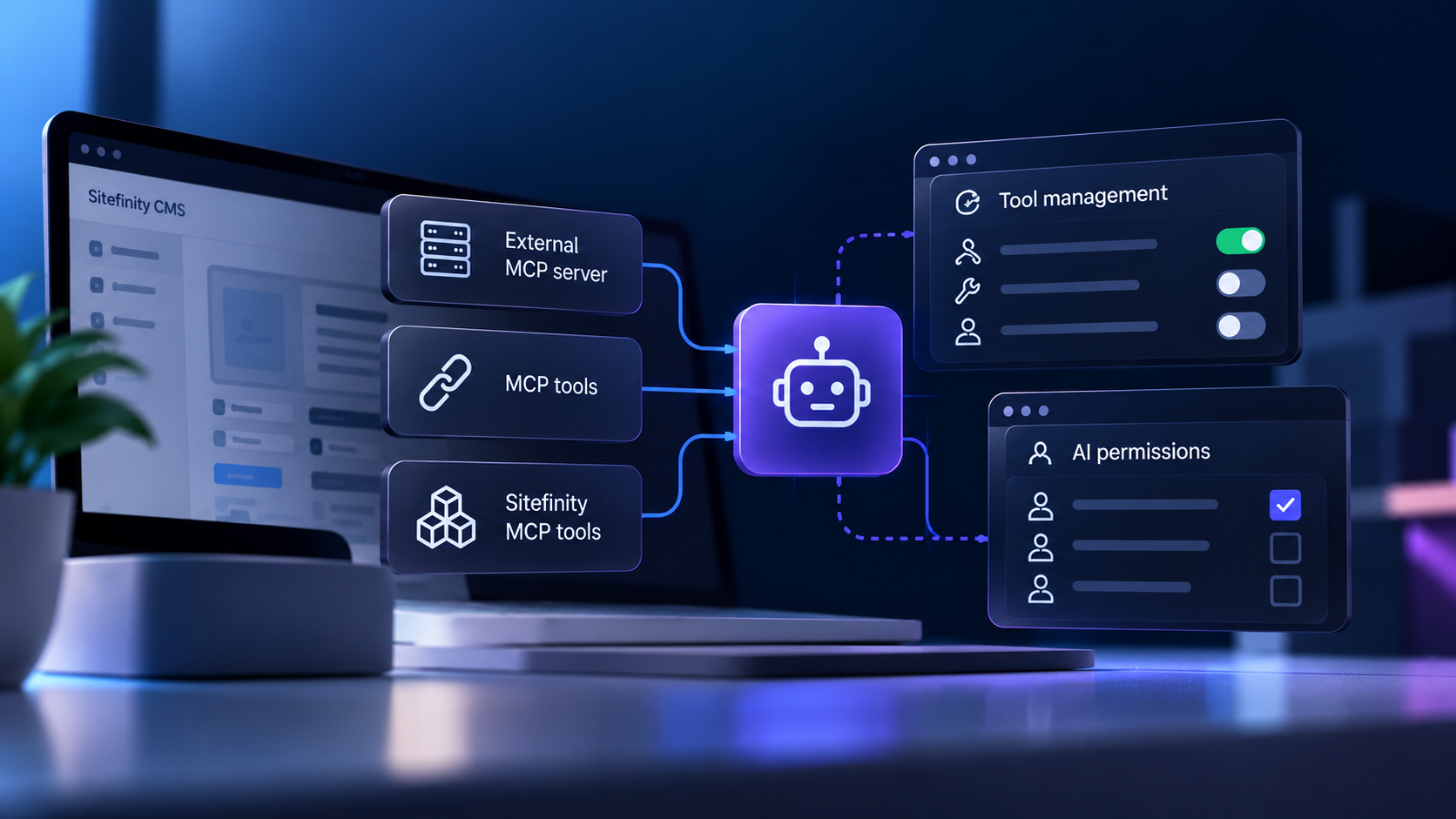
Sitefinity CMS addresses these questions with three capabilities: external Model Context Protocol (MCP) server connections, individual tool management, and dedicated AI permissions.
Together, they provide more control over how AI tools are connected, configured, and accessed within the CMS.
Connecting AI Agents to External Tools
Sitefinity AI agents can use tools exposed by external Model Context Protocol (MCP) servers, alongside the built-in tools provided through the Sitefinity MCP Server.
MCP enables AI agents to interact with tools and external systems. In Sitefinity CMS, external MCP tools can support AI-driven actions in the CMS backend and interactions with external systems.
Administrators can connect external MCP servers through the Sitefinity backend interface and view the tools exposed by each connected server.
This means AI agents are not limited to Sitefinity's built-in MCP tools. Their available toolset can also include tools provided by connected external servers.
Managing AI Tools Individually
Connecting external tools is one part of managing AI capabilities. Controlling the state of those tools is another.
Sitefinity CMS allows administrators to configure individual MCP tools, whether they are built into Sitefinity or exposed by connected external servers.
Tool management operates independently from AI agents. Administrators can configure each tool separately rather than managing all tools from a server as a single group.
This distinction provides more granular administrative control over the available MCP tools.
Controlling Who Can Configure and Use AI
Managing AI capabilities also requires control over user permissions.
Sitefinity CMS includes a dedicated AI permissions model that allows site administrators to manage who can configure and use AI functionality.
The permissions model is designed to support controlled AI adoption, gradual rollout, governance based on user responsibilities, and legal compliance requirements.
This separates the management of AI access from the management of individual MCP tools.
Administrators can therefore address two distinct questions: which tools are configured for use, and who has permission to configure or use AI capabilities.
A More Structured Approach to AI Management
External MCP connections, individual tool management, and AI permissions address different aspects of AI administration in Sitefinity CMS.
MCP connections extend the tools available to AI agents. Tool management provides control over the state of individual tools. AI permissions determine who can configure and use AI functionality.
For teams working with Sitefinity AI, these are three areas to consider when planning how AI capabilities will be administered within their CMS environment.
Working with Sitefinity AI
At Extreme Consulting, we work with businesses on Sitefinity architecture, implementation, modernization, and integrations.
Whether you're evaluating external MCP connections or reviewing how AI tools and permissions fit into your Sitefinity environment, we can help you assess the technical requirements and plan the next steps.
